

This support notes are suitable for:
- ABSS Accounting
- ABSS Premier
|
Introduction When you start a new financial year or “roll” over your MYOB company file, some transaction are purged or deleted from your file. This support note explains the circumstances under which some transactions are purged and others are not. |
What happens when I ‘roll over‘ my Company file?
In theory when rolling over a data file to a new financial year, the closed and reconciled entries from the previous year are purged out of the database. The result of this will decrease the file size and should increase performance. In some instances the file size will increase. All you need to do is optimise the file; this should reduce the size of the file.
There are however are a number of reasons why transactions will remain in the file after a rollover. Below are the reasons why transactions will remain unpurged. Please note that transaction types below do not act in isolation. Even though a transaction is closed and reconciled, it still may remain in your file after rollover.
The following are transactions that have the potential to remain in your company file following a ‘roll over‘:
- Transaction not reconciled
- Job related reimbursements
- Undeposited Funds
- Electronic Payments
- Superannuation Accruals
- Audit Trail Entries
We will look at these scenarios more closely on the pages that follow.
Transactions not reconciled
When you select an account that has been reconciled in the last step of the roll over process, the reconciled transactions will be purged but the unreconciled transactions will remain.
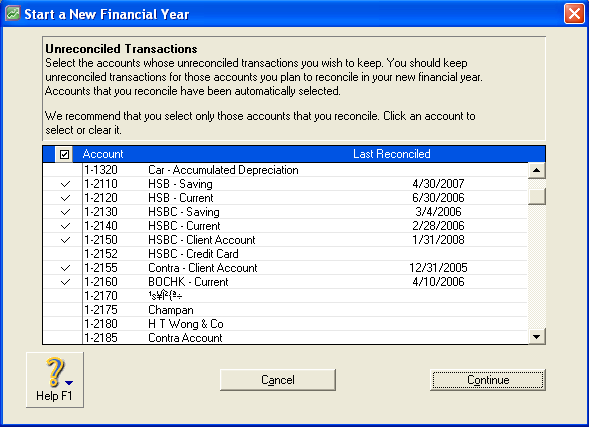
If you select an account in the last step of the roll over process and the transaction has not been reconciled, the transaction will remain.
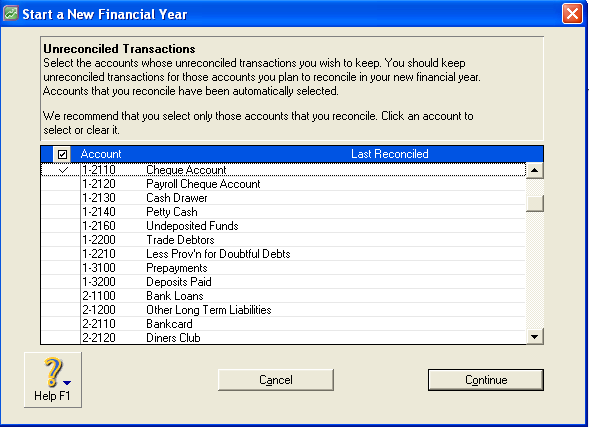
If you remove the tick, even if you have reconciled the account before, the unreconciled transaction will be purged.
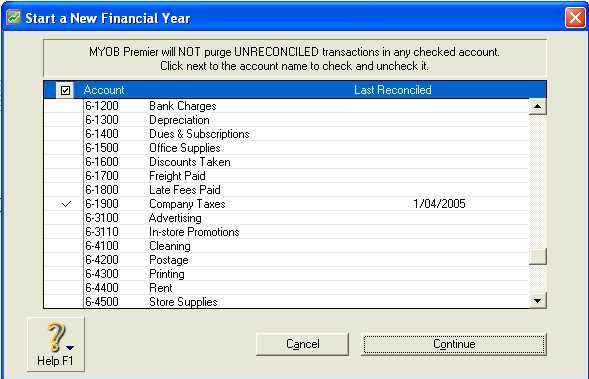
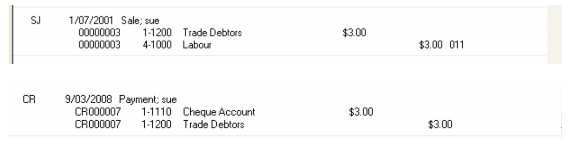
If you select all the accounts and they have not been reconciled, but have been closed because the sale has been paid in full, the entries will remain in the data file. These transactions can be viewed through the transaction journal and a number of reports. However, you won‘t be able to zoom into the entry because the information behind the entry has been purged.
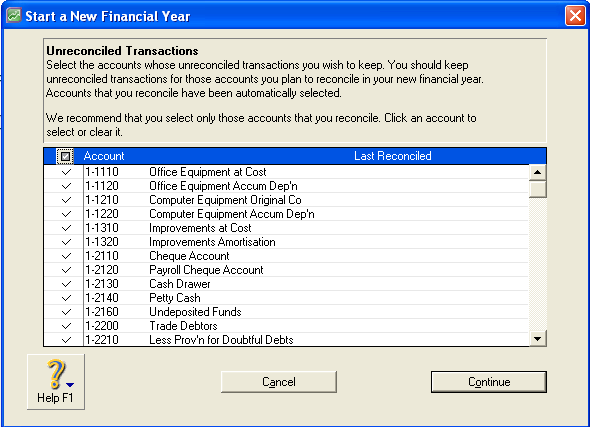
Undeposited funds and Electronic Payments
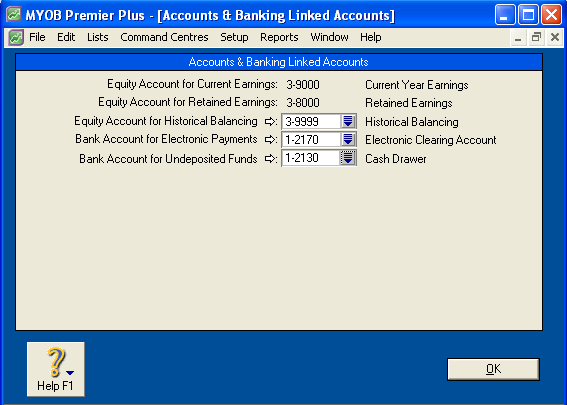
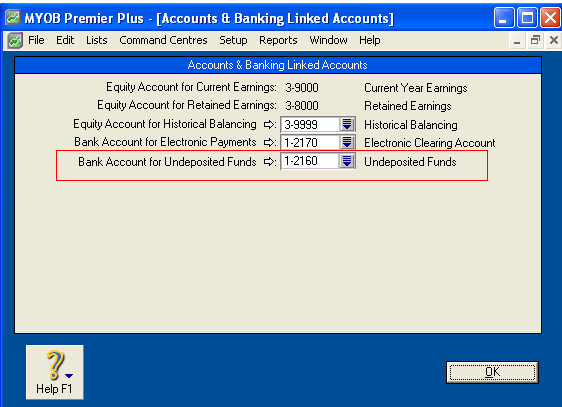
This is also the case for Undeposited Funds and Electronic Payments. Even though these options have nothing to do with M-Powered, it is recommended that you leave these boxes checked. This is because although you may not use the Undeposited Funds and Electronic Payments function in MYOB, you may have linked the wrong accounts to Undeposited Funds and Electronic Payments. This may result in unreconciled transactions being purged.
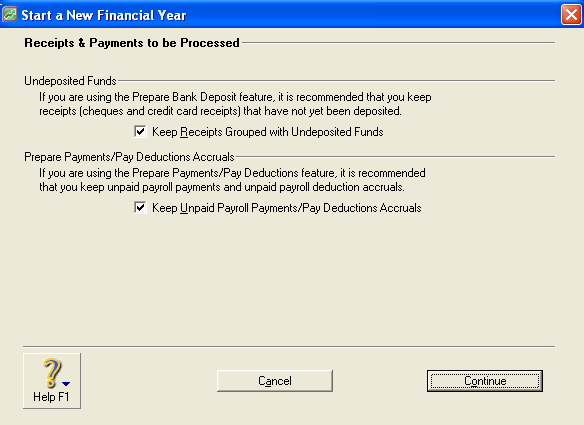
If you do not either create new linked accounts and link them, or leaves the boxes checked when Starting a New Financial Year, the transactions will remain in the file. We recommend that you set up the linked accounts correctly to allow these entries to be purged. You can achieve the same result by removing the tick from the check boxes, but this is not recommended.
Job related reimbursements
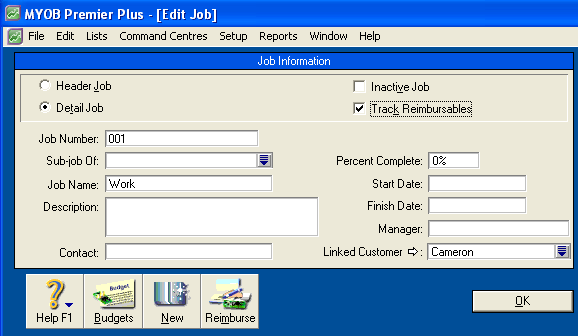
Customer Cameron is being track for reimbursables, linked to job 001.
When a purchase is entered against job 001, the reimbursable record is triggered.
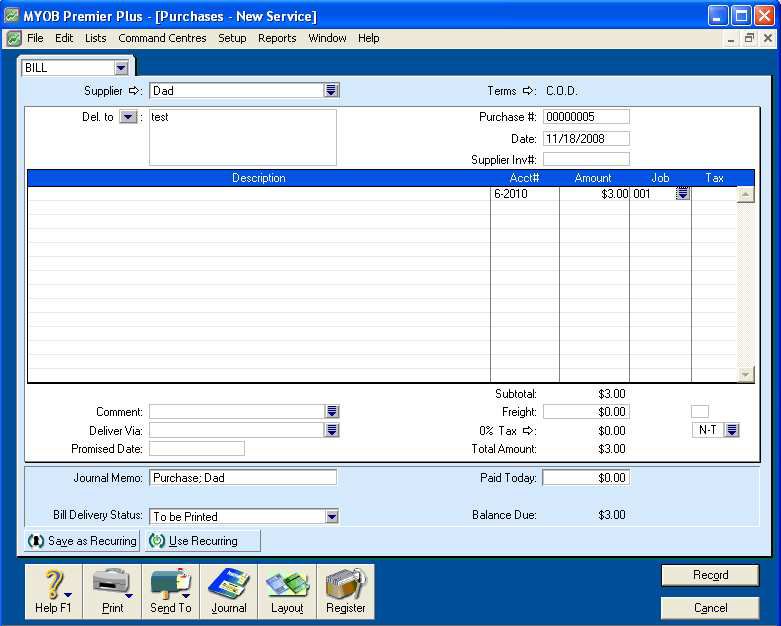
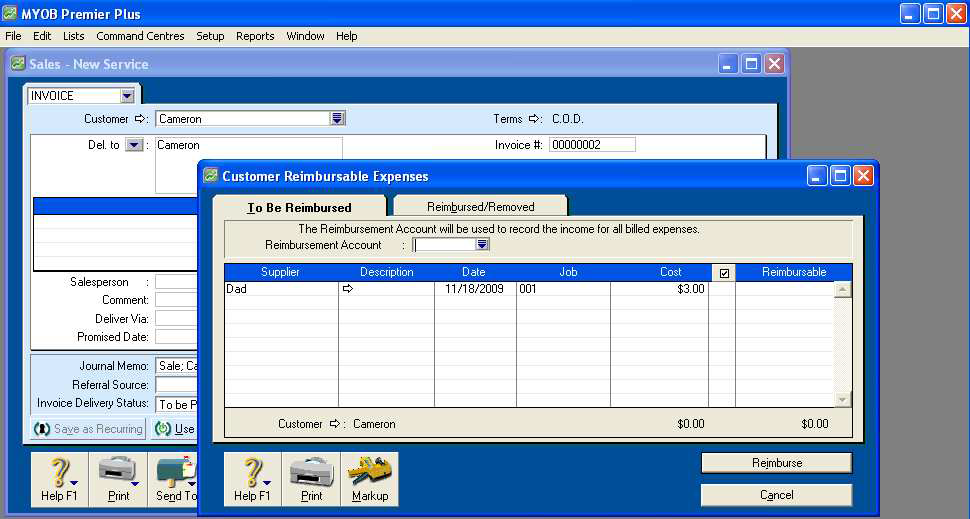
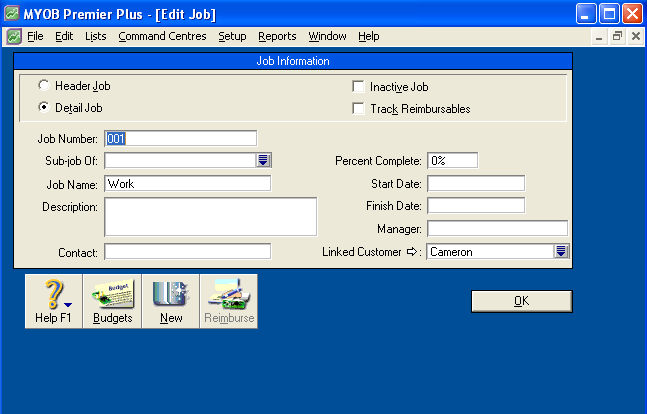
The purchase has been paid in full but will remain in the data base until the reimbursement is applied or the Track Reimbursables option is removed from the lob. Once applied and once the file is rolled over, the Bill for $3.00 will be purged.
Audit Trail entries
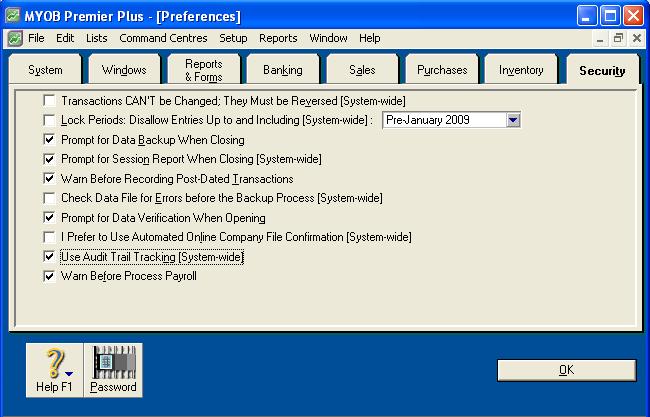
If you use Audit Trail Tracking, transactions that appear on the Audit Trail report will still be purged if they have been reconciled and closed.
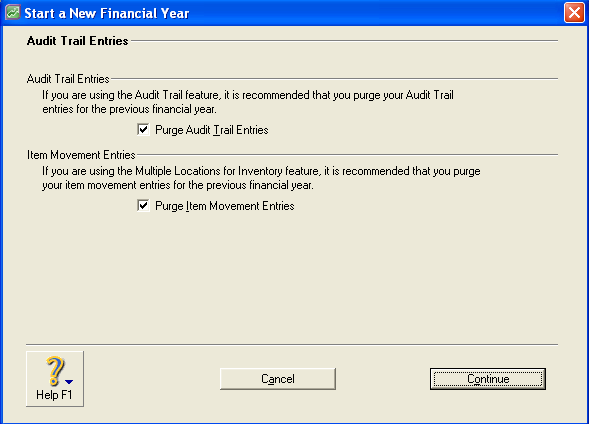
If you remove the tick from Purge Audit Trail Entries, the Audit Trail report will retain entries for the previous financial year, but these entries will not appear any where else in your company file.
Comments
0 comments
Please sign in to leave a comment.